
ONE APP — ALL POSSIBILITIES
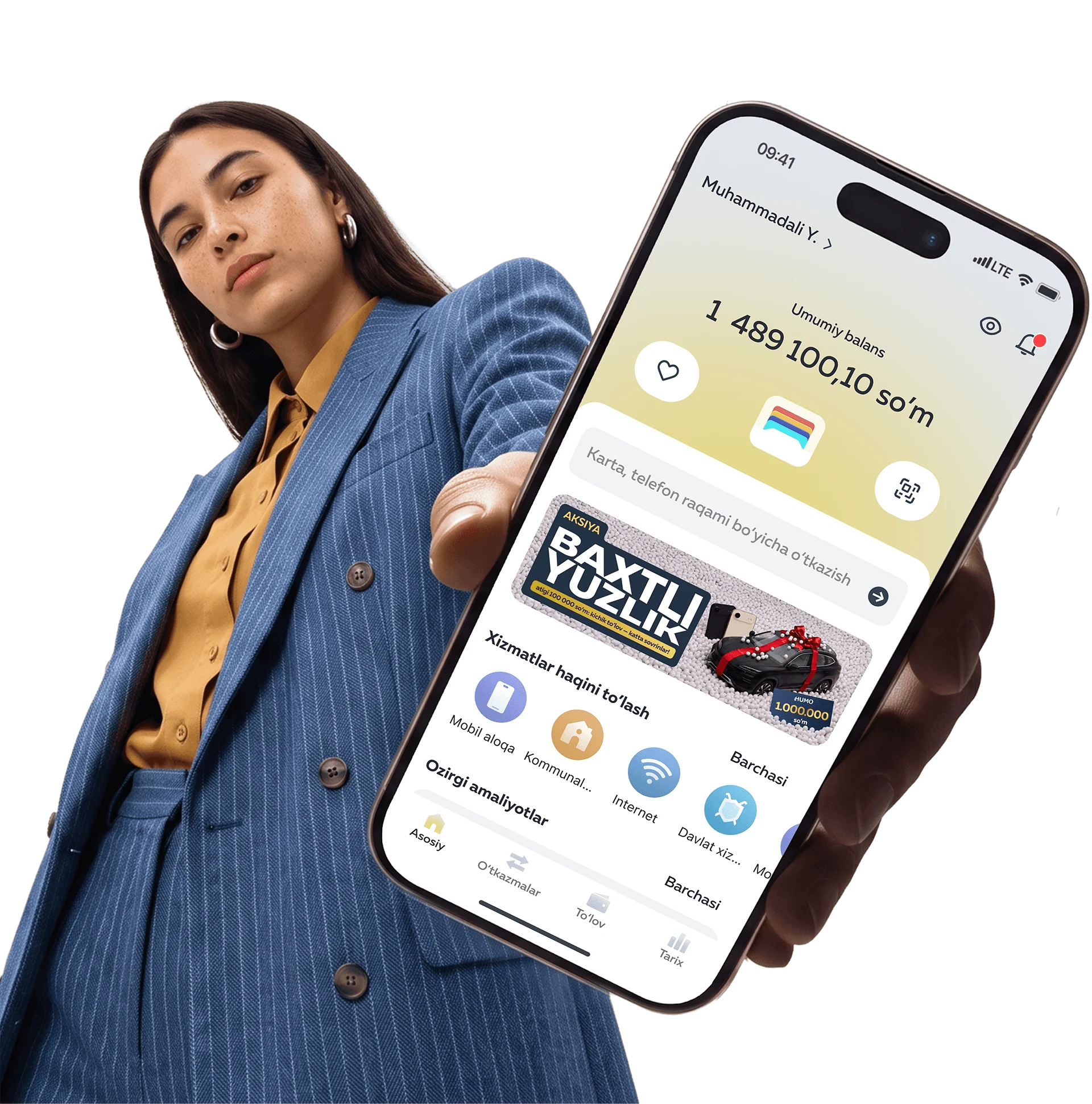
Download the app
Point your camera at the QR code to download
Store, manage and use your HUMO cards in one place

Receipts for every transaction are saved in your history

Reset the counter after incorrect PIN attempts

Change the PIN for your HUMO cards in the app

Block your card immediately if a payment looks suspicious

Remove a card from the app when you want to close it
TRANSFER TO HUMO AND OTHER PAYMENT SYSTEMS
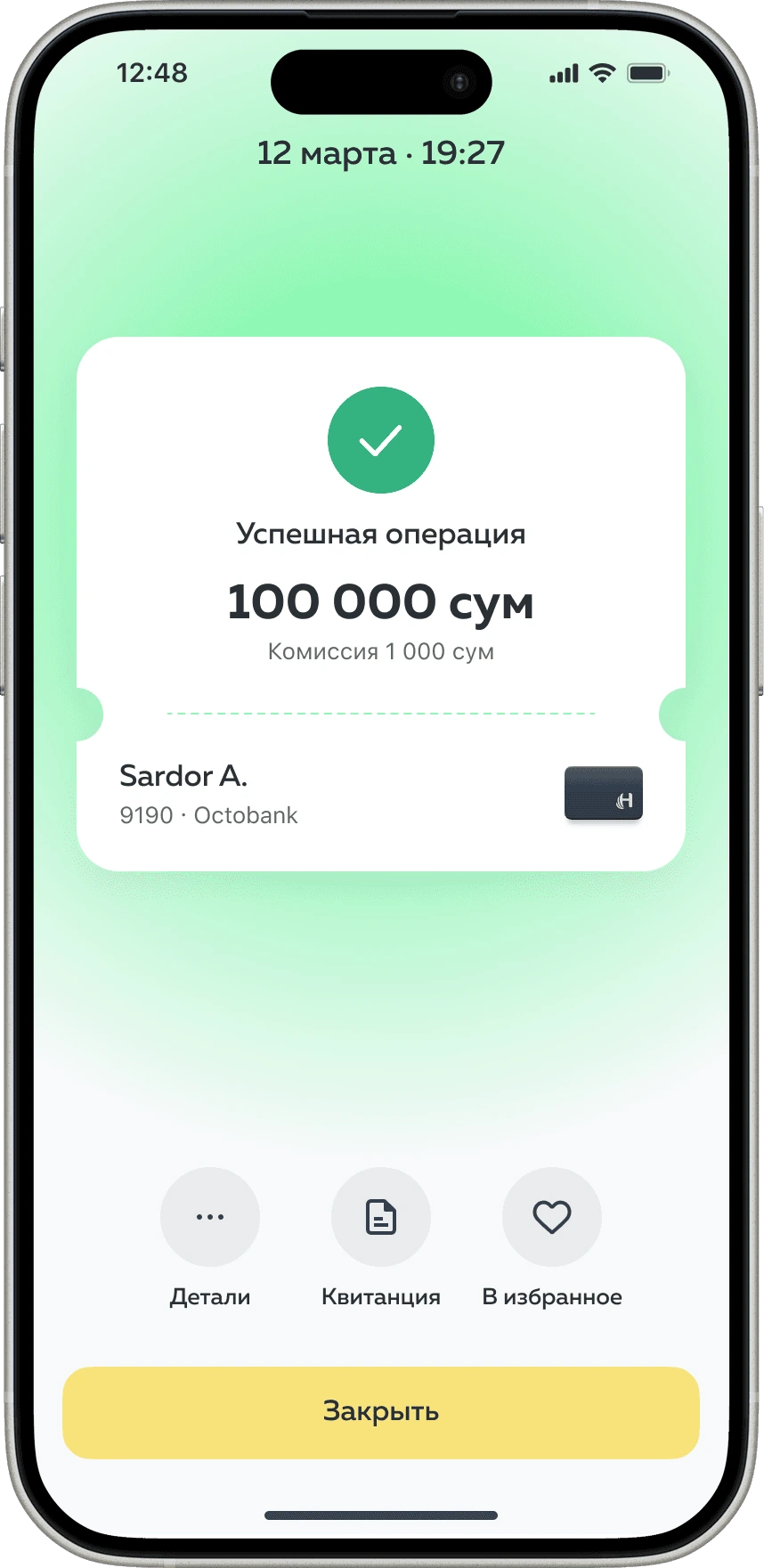
Every transfer is saved in your history, and recipients can be added to favorites
Pay for utilities, mobile service, internet, and more
 Utilities
 Internet providers
 Mobile service
 Government services
 Banks
Banks Installment payments
 Higher education
 Preschools
 Training centers
 Schools
 Driving schools
 Healthcare
 Online shopping and services
 Television and content
 Taxi driver deposit
 Taxi license
 For motorists
 Charity
 Classifieds
 Insurance
 Tickets, hotels and travel
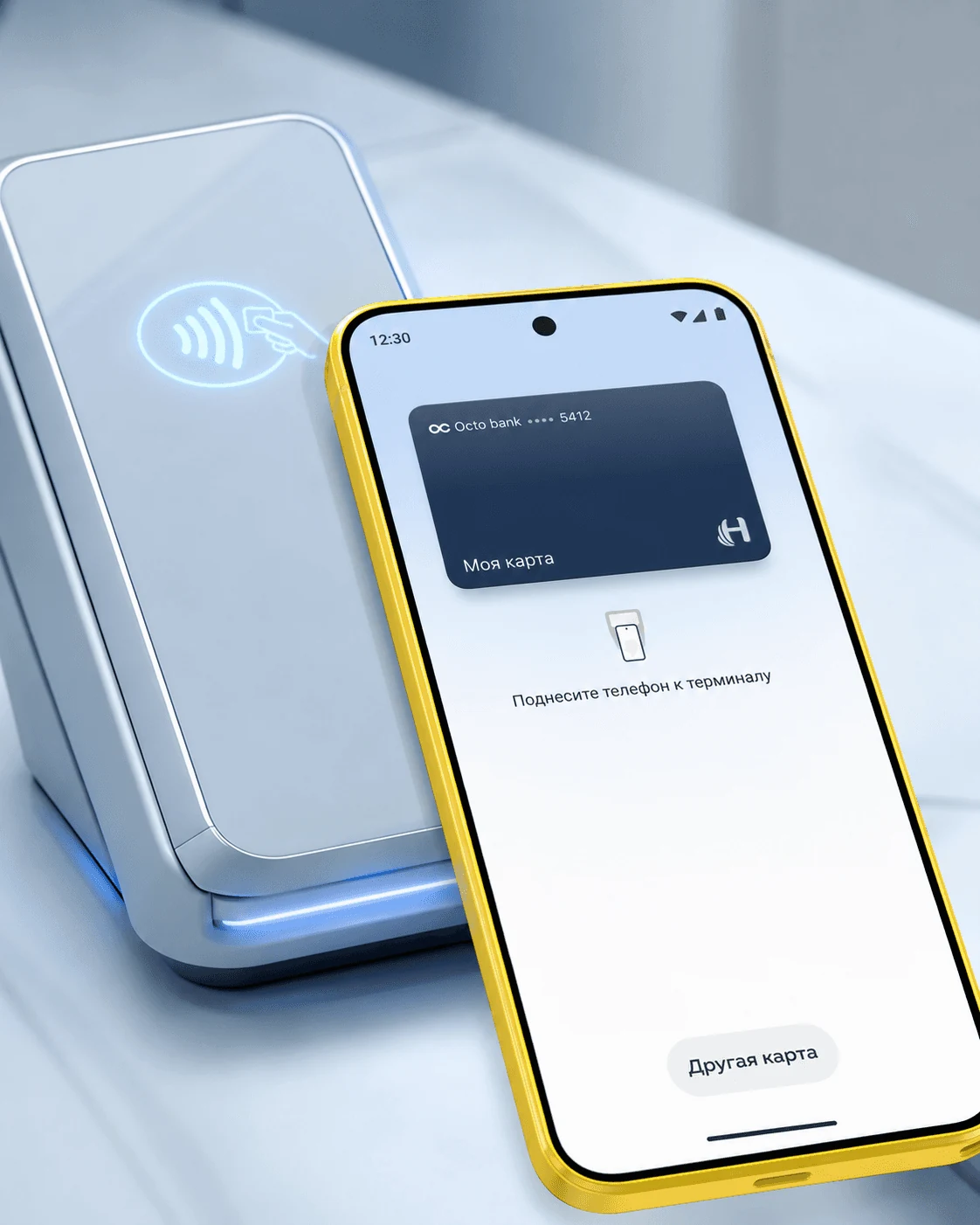
For Android users
PAY CONTACTLESSLY WITH NFC IN HUMO PAY
You no longer need to carry cards in your wallet. To pay, open the app and hold your phone near the terminal.
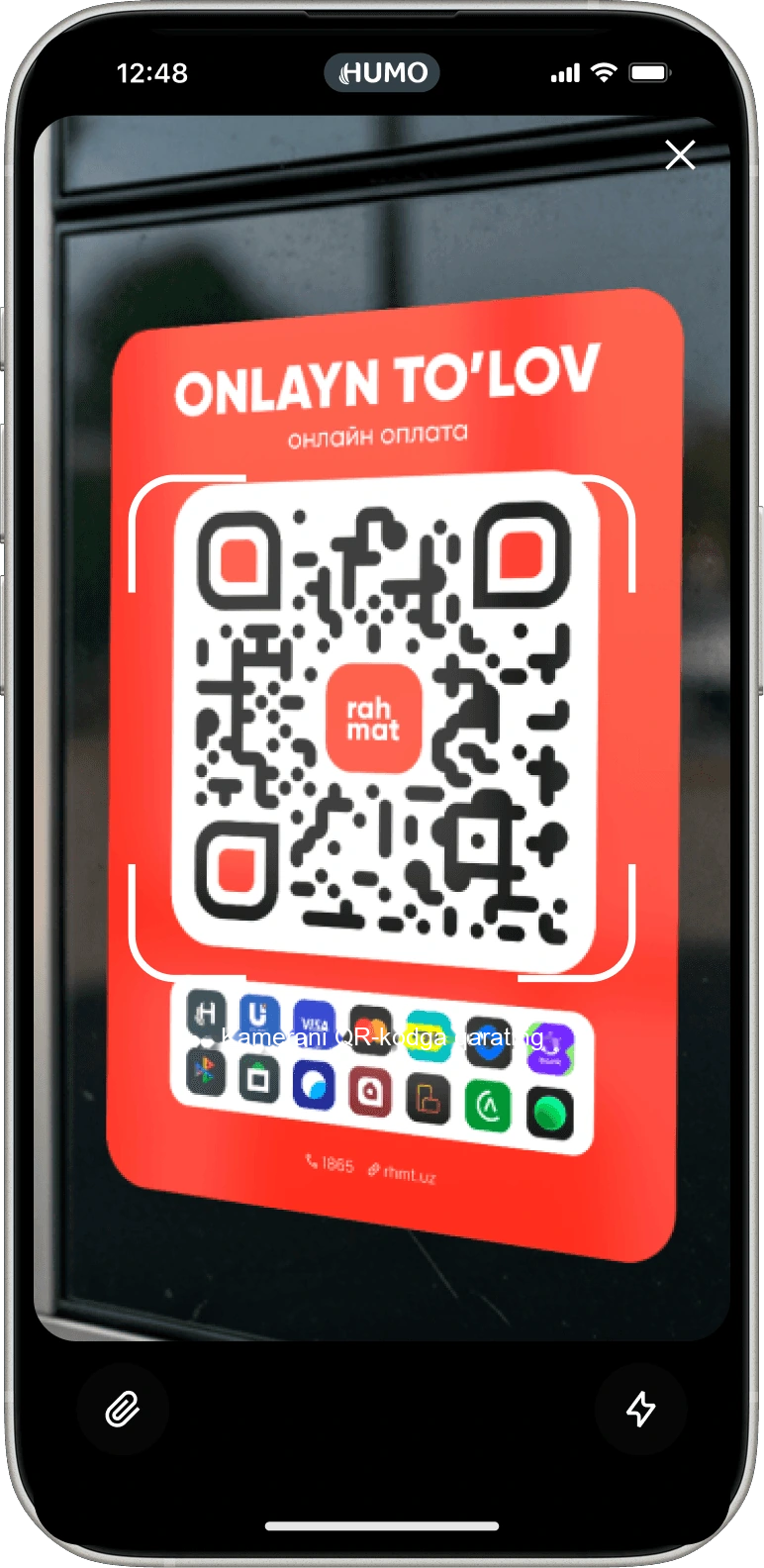
SCAN THE QR CODE AND PAY AT RAHMAT WITH HUMO PAY